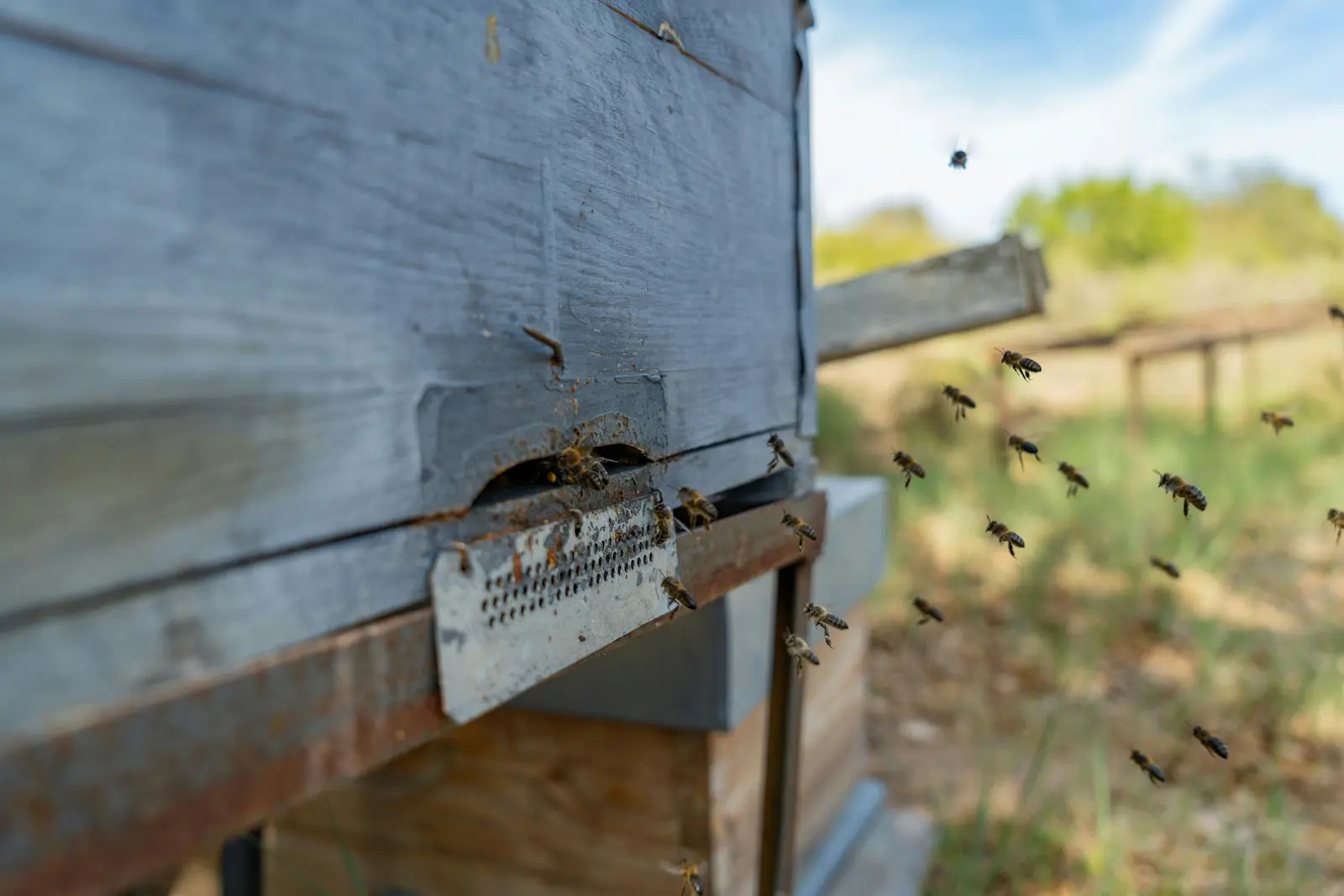
The Beekeeper’s Rule is a traditional way of estimating important colony events from a known starting point, such as eggs being laid, queen cells being sealed or a planned nectar flow. This free calculator helps predict queen emergence, queen rearing dates, swarm timing, worker development and honey flow planning using the classic Beekeeper’s Rule.
This tool combines several practical beekeeping calculators into one place, making it useful for everyday colony management as well as queen breeding projects.
Queen development calculator
Queen rearing planner
Swarm timing calculator
Honey flow planner
Queen breeding calculator
Digital Beekeeper's Rule wheel
Seasonal apiary planning tool
What this tool now does
This version combines planning, saved plans, side-by-side comparison
and seasonal guidance. That means you can use it not only to calculate
dates, but also to manage and compare real apiary plans over time.
Track queen, worker and drone development from a known observation.
Work backwards from a nectar flow to build maximum forager numbers.
Synchronise drone maturity and queen emergence for breeding work.
Save named apiary plans and compare two saved plans side by side.
Use the seasonal task calendar for month-specific beekeeper reminders.
Quick start
Choose the mode that matches the beekeeper question you need to answer.
Development ClockBest for swarm timing, queen emergence and brood-stage planning.
Honey Flow PlanningBest for timing brood build-up so maximum foragers are available during a nectar flow.
Queen BreedingBest for aligning mature drones and virgin queens for mating.
Rule WheelBest for visual calendar alignment of worker, queen and drone timing.
How to Use the Beekeeper’s Rule in Practice
The Beekeeper’s Rule is most useful when you start from something you have
actually seen in the hive. That might be eggs, sealed queen cells, capped brood,
a known nectar flow date or a planned queen mating period. Once you have a real
starting point, you can work forwards or backwards to predict what is likely to
happen next.
In practical beekeeping, this helps you decide when to inspect for swarm cells, when to expect virgin queen emergence, when workers should begin foraging for a honey flow, and when drone production needs to begin for queen breeding. It is especially useful for swarm control, honey flow timing and queen rearing plans, especially when cross-checked against the queen timeline.
Using the Rule with Real Colony Checks
The rule is not a guarantee. It works best as a planning guide alongside
live colony observations, weather, forage conditions and seasonal behaviour.
A calculator can help you estimate timing, but the colony itself always gives
the final answer.
Example 1: If queen cells are sealed today, a swarm may be imminent and a virgin queen may emerge about 8 days later. See Capped Queen Cells and Queen Timeline.
Example 2: If a main nectar flow starts in around 40 days, worker eggs laid now may become your key foragers. This fits closely with the Year in the Apiary and local forage timing.
Example 3: If you want queens mated by a target date, drone production needs to begin several weeks earlier. The wider swarm and queen section helps interpret this timing in real colonies: Swarm & Queen.
Always: Confirm calculator outputs against what you actually see in the colony.
Save / Load Apiary Plans
Save the current calculator state as a named plan so you can return to it later.
This stores data in your browser on this device.
No plan action yet.
Saved Plans
Load, overwrite or delete saved plans. Loading a plan restores the saved
mode, dates, notes and calculator inputs.
Weather / Nectar Flow Overlay
This uses manual planning inputs rather than a live weather feed.
It lets you overlay likely apiary conditions onto the current plan.
Overlay ready. Add conditions to improve inspection timing guidance.
Overlay Summary + Inspection Reminder Logic
These reminders combine the active planning mode with your manual weather
and nectar conditions.
Reminder logic is advisory. Always combine it with what you actually see in the colony.
Inspection Window + Swarm Risk
This combines the active planning mode, seasonal timing and your overlay
conditions to suggest the best inspection timing and highlight swarm pressure.
These indicators are guidance tools only. Always confirm decisions against live colony conditions.
Multi-Apiary Comparison
Select two saved plans and compare their timings, modes and management focus.
No comparison yet.
Comparison Results
Use this to spot timing differences between two apiaries or project plans.
Seasonal Task Calendar
Select a month and focus area to view practical beekeeper reminders.
Seasonal task calendar ready.
Seasonal Tasks
Choose a month and task focus to see beekeeper reminders.
Printed Beekeeper’s Rule Summary
This print version shows the currently active calculator mode and its latest summary information.
Mode 1 — Development Clock
Bee Development Clock
Choose a bee type, pick the date you observed eggs or a key event, and review the related colony timing.
Egg observed on selected date
The dashboard is showing the selected development cycle from the date you entered.
Swarm note: when queen cells are present, the most important point is usually the sealing date.
Queen3 days egg, 5 days larva, 8 days capped, 16 days total.
Worker3 days egg, 6 days larva, 12 days capped, 21 days total.
Drone3 days egg, 7 days larva, 14 days capped, 24 days total.
Mode 2 — Honey Flow Planning
Honey Crop Timing Planner
Work backwards from a main nectar flow to estimate when worker eggs should be laid so foragers are available at the right time.
Honey flow planning summary
Add your expected nectar flow period and the planner will calculate when eggs should be laid to produce foragers at the right time.
Egg-laying window for peak foragers
Not calculated yet.
Brood stimulation guidance
Not calculated yet.
Assumption: this planner uses worker development plus the selected age at which workers begin foraging.
Mode 3 — Queen Breeding
Breeding Synchronisation Planner
Work backwards from your desired mating date so drone production and queen rearing overlap correctly.
Breeding synchronisation summary
Add your desired mating date and the planner will calculate when drone production and queen rearing should begin.
Drone production timing
Not calculated yet.
Queen rearing timing
Not calculated yet.
Assumption: this planner uses a queen development period of 16 days and the selected drone maturity lead time.
Mode 4 — Rule Wheel
Digital Beekeeper’s Rule Wheel
View worker, queen and drone timing together on one circular annual calendar.
Digital Beekeeper’s Rule summary
Select a mode to map your chosen dates onto the circular calendar.
Worker timing
Not calculated yet.
Queen timing
Not calculated yet.
Drone timing
Not calculated yet.
Rule WheelPlanning alignment
ReferencePrimary selected date
WorkerForager / worker timing
DroneDrone maturity timing
QueenQueen rearing timing
This wheel is a modern digital interpretation of the Beekeeper’s Rule.
Why comparison matters
Different apiaries, forage locations and breeding projects rarely behave
in exactly the same way. Comparing two saved plans side by side helps you
spot timing differences, identify which colonies need earlier preparation,
and decide where management effort should be focused first.
This becomes especially useful when you are managing multiple nectar flows,
coastal versus inland apiaries, or different queen rearing dates.
Why the seasonal calendar helps
Good beekeeping is not only about exact dates. It is also about seasonal rhythm. The task calendar gives you a practical layer on top of the calculations by reminding you what usually matters most in each month. This fits directly with the Year in the Apiary and helps place the calculator inside the wider beekeeping season.
Use it as a prompt alongside inspection findings, local forage knowledge,
colony condition and weather patterns.
Related guides: use the calculator with real colony decisions
The calculator works best when paired with practical pages that explain what you should actually expect to see in the hive.
Swarm & Queen for the wider decision-making context.
This calculator is most useful when you already have a known date or observed event: eggs seen, queen cells sealed, a target nectar flow, or a breeding target.
Yes. Use the Multi-Apiary Comparison section to select two saved plans
and view their key dates, modes and notes side by side.
No. It is a practical reminder tool. You should still base decisions on what you actually see in the colony, together with local weather and forage. Use it alongside Step-by-Step Inspections and the Year in the Apiary.
Yes. Use the Print / Export PDF button at the top of the page. The print
view keeps the active calculator mode and removes much of the on-screen UI.
No. Saved plans are stored in your browser on this device only.
Privacy choices
We use cookies to keep the site working and measure what helps visitors most.
Necessary cookies help core parts of the site work. Analytics cookies help us understand page use through Google Analytics, but only if you choose to allow them.
Read our Privacy Policy.
Cookie settings
Manage your cookie preferences
Strictly necessary
Always active. These are needed for core site functions such as saving your cookie preference.
Always on
Allows Google Analytics so we can understand which pages are used and how visitors move around the site.